
1
免費線上 Telegram 影片下載
貼上一則公開 t.me 貼文連結,無需 Telegram 登入或網站帳號即可預覽並下載影片。
免費公開連結下載 · 無需登入
貼上公開 Telegram 貼文連結,即可預覽並下載影片。私人群組、受限頻道與批次媒體請使用 Chrome 擴充功能。
線上工具
支援下載公開頻道貼文中的 Telegram 影片、照片、音訊與文件。貼上 t.me 連結即可,無需登入。私人連結僅在您自己的 Telegram Web 工作階段中處理。
線上 Telegram 影片下載器每次處理一部公開影片,無需註冊帳號、安裝機器人或輸入 Telegram 登入資料。
請只下載您有權保留的媒體。公開連結並不代表可以忽略著作權、隱私或轉載限制。
在 Telegram 中開啟影片貼文並選擇「複製連結」。可用連結會包含公開頻道名稱與訊息編號。
把連結貼到上方下載器。工具只會讀取 Telegram 公開貼文頁面,不會要求您登入。
貼文可公開存取時,下載前可查看頻道、縮圖與影片片長。
依可用原始畫質儲存 MP4。私人、受限或批次媒體請在 Telegram Web 中使用擴充功能。
偶爾儲存一部公開影片可直接使用本頁;經常下載私人群組、受限頻道或多則貼文時,請安裝 TG Downloader。
功能
公開貼文先用免費線上下載器;需要私人存取、多個檔案或大型傳輸時,再切換到 Telegram Web 中的 TG Downloader。
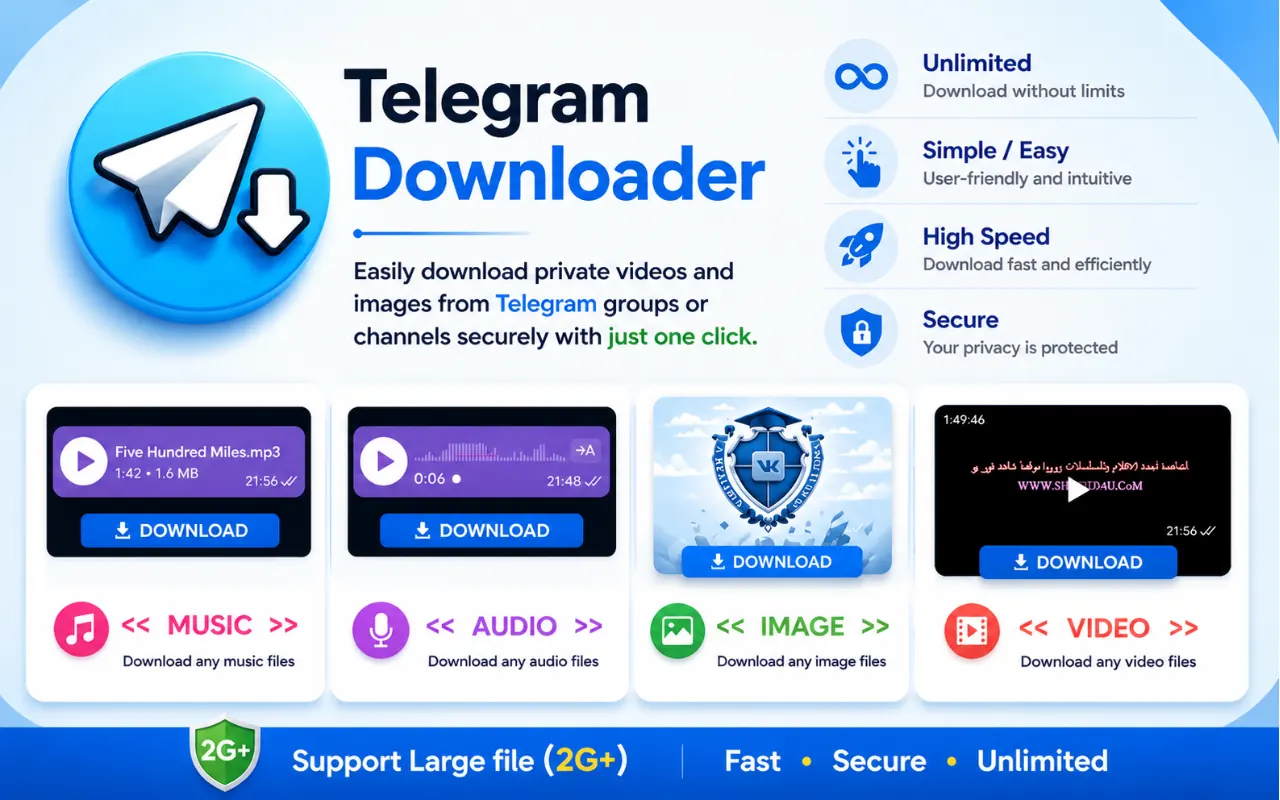
貼上一則公開 t.me 貼文連結,無需 Telegram 登入或網站帳號即可預覽並下載影片。
反覆下載、一次處理多個媒體或使用已在 Telegram Web 開啟的頻道時,請安裝 Chrome 擴充功能。
支援帳號已能存取的私人群組與頻道。受保護或限時媒體無法強制下載。
長片與 1GB+ 檔案走 Chrome 下載管理器,在網路允許時傳輸更可靠。
只要私人群組或頻道能在您的 Telegram Web 帳號下開啟,通常就能用擴充功能把影片或照片存到本機。
隱私優先:檔案進入瀏覽器下載資料夾。本站從不索取 Telegram 密碼,也不會在聊天中插入廣告。


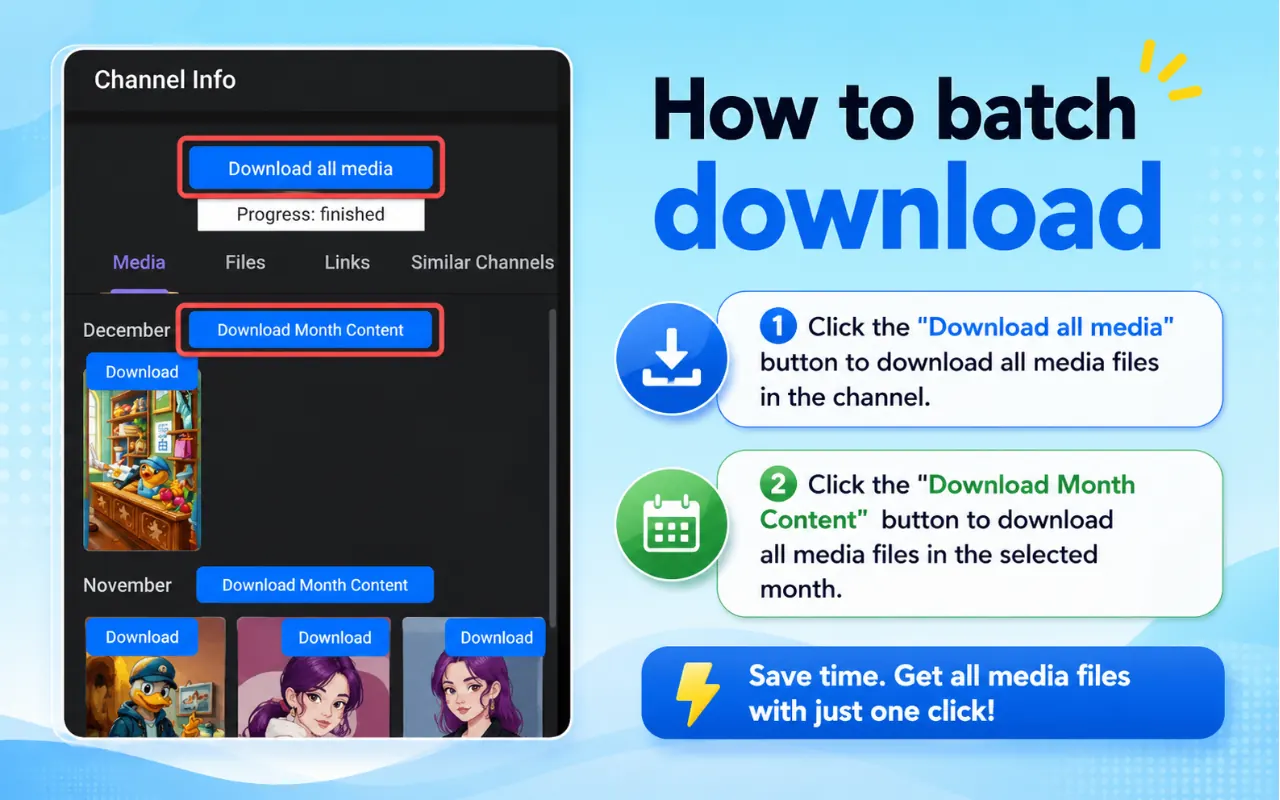

一部公開影片先用線上工具;私人 Telegram Web 工作階段、批次下載與更多媒體格式則交給擴充功能。
單支影片即時下載,或多選檔案加速頻道匯出。
影片、圖片、GIF、音樂、有聲書與常見文件。
媒體可在 Telegram Web 播放時,儲存您已加入的受限頻道檔案。
工作階段內可開啟的私人聊天與頻道可作個人備份。
僅透過官方 Telegram Web 登入;本站不要求 TG Downloader 帳號。
安裝異常、找不到下載按鈕、批次匯出等問題可聯繫支援。
在 Telegram 提供串流時處理長片與大型頻道檔。
相容常見 Telegram Web 版本,可保留慣用介面。
選對電腦上下載 Telegram 影片的方式——優先考慮隱私與穩定。
| 方式 | 適合情境 | 隱私 | 備註 |
|---|---|---|---|
| Chrome 擴充功能 | 日常桌面使用、批次歸檔、可開啟的私人對話 | 檔案經瀏覽器本機儲存 | Telegram Web 的首選 |
| 線上貼連結網站 | 偶爾下載公開短片 | 網址常經第三方伺服器 | 最後手段;不適合私人媒體 |
| Telegram Bot | 偏好在聊天裡操作時 | 取決於 Bot 營運方 | 步驟較多,品質不一 |
Chrome 線上應用程式商店評價
來自 Chrome 線上應用程式商店對 Telegram Video Downloader - TG Downloader & Media Saver 的近期評價。評分公開,由 Google 更新。
超過 40,000 位 Chrome 用戶信賴
Good Morning
Jul 16, 2026
“One of the best productivity extensions I've installed. It's lightweight, easy to understand, and makes downloading videos from Telegram Web much more convenient. I would definitely recommend it to others.”
Chrome 商店評價
Fanvue Promotion
Jul 16, 2026
“I've been using this extension for a while now, and it's been reliable throughout. The download process is quick, and the videos are saved without any issues. Excellent work!”
Chrome 商店評價
Demilade Mariam
Jul 16, 2026
“I was pleasantly surprised by how well this works. The extension is fast, responsive, and doesn't get in the way while browsing. It does exactly what it's supposed to do.”
Chrome 商店評價
Balogun Faith
Jul 16, 2026
“This extension is incredibly easy to use. It works smoothly with Telegram Web, and downloading videos only takes a single click. A great tool for anyone who uses Telegram regularly.”
Chrome 商店評價
Eyinjuoluwa Fathia
Jul 16, 2026
“Simple, fast, and effective. I appreciate the clean design and hassle-free experience. It works consistently and has become one of my favorite Chrome extensions for Telegram.”
Chrome 商店評價
Aderotimi James
Jul 16, 2026
“This extension has saved me a lot of time. It integrates nicely with Telegram Web, and the download process is smooth and straightforward. Looking forward to future updates and new features.”
Chrome 商店評價
Adejoke Baby
Jul 16, 2026
“A lightweight and useful extension that does exactly what it promises. Installation took seconds, and downloading videos from Telegram Web is now effortless. Definitely worth using”
Chrome 商店評價
Abbey
Jul 16, 2026
“Excellent extension! It detects download links quickly and makes saving videos from Telegram Web simple. The interface is clean, and everything works without unnecessary steps. Highly recommended”
Chrome 商店評價
Ireoluwa Ola
Jul 15, 2026
“A useful Chrome extension with a clean interface and smooth performance. It's easy to install and use for everyday tasks.”
Chrome 商店評價
是。把公開 t.me 頻道貼文連結貼到上方工具,無需登入即可預覽並下載影片。私人群組、受限頻道與批次媒體需要在您自己的 Telegram Web 工作階段中使用 Chrome 擴充功能。
