
Telegram Movies Download: Legal Limits, Safe Saves, and What “Free” Really Means
 Mack Wong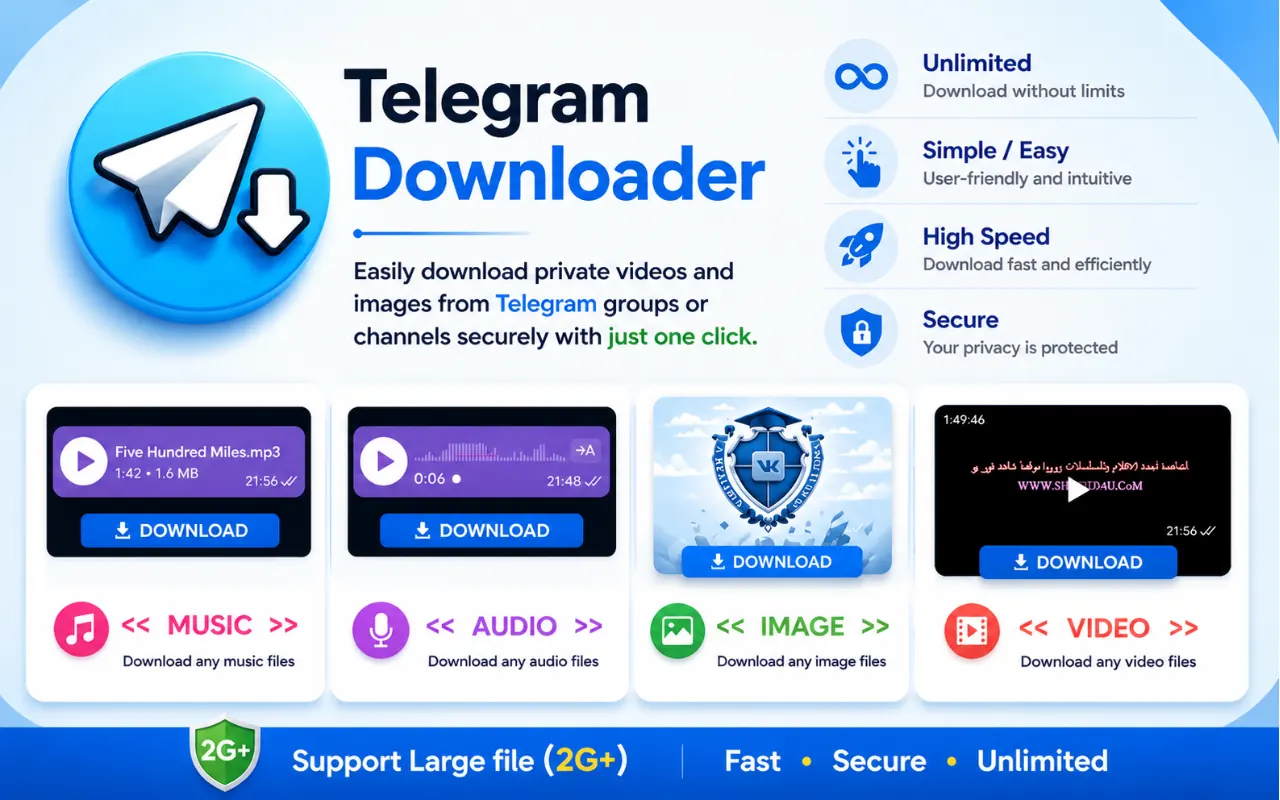
Telegram Movies Download: Legal Limits, Safe Saves, and What “Free” Really Means
Downloading a movie from Telegram is a copyright decision first and a technical step second. You can save videos you have a right to keep—your own files, creator-approved shares, official trailers, public-domain films, or openly licensed media—with Telegram’s native tools or the TG Video Downloader Chrome extension on Telegram Web. This guide does not recommend downloading unauthorized copies of commercial films or TV shows from pirate channels.
If you searched for “telegram movies download,” “free movies telegram,” or “download movies from telegram,” start here: free availability inside a chat is not the same as a legal right to keep or redistribute the file.
Legal and ethical framing (read this first)
Telegram’s large file limits and channel broadcasts make it easy to move video. That convenience is exactly why movie files show up in channels and groups. Convenience does not create a license.
| Scenario | Usually okay to save for personal use? | Notes |
|---|---|---|
| You filmed it / you own the rights | Yes | Best use case for any downloader |
| A creator shared it with permission to keep | Yes | Check the channel or message terms |
| Official trailer / studio promo clip | Often yes | Prefer official or verified sources |
| Public-domain film | Yes | Confirm public-domain status for your country |
| Creative Commons / open license upload | Yes, within the license | Attribution or non-commercial rules may apply |
| Recent theatrical film or current-season show from an unknown channel | No | Treat as unauthorized redistribution |
| “Request any movie” groups offering full releases | No | Strong piracy pattern—avoid |
Key principle: a telegram video downloader cannot tell you whether a file is licensed. The tool only moves a stream or file you can already view. Responsibility for legality stays with the person who downloads and keeps the content.
Why people look for free movies on Telegram
People usually arrive with one of these intents:
- Personal archive — keep a wedding clip, class recording, or team demo shared in a group.
- Legitimate free catalog — trailers, festival clips, public-domain cinema, educator uploads.
- Piracy shortcut — find a channel that posts commercial movies for free.
Only the first two belong in a responsible guide. The third is common in search results, and pretending those channels are harmless “free libraries” would be dishonest. Unauthorized distribution can create legal risk for uploaders and downloaders under local copyright law, even when the file is easy to tap and save.
How movie and video files actually get shared on Telegram
Understanding the sharing patterns helps you evaluate what you are looking at:
| Sharing pattern | What it looks like | Risk level |
|---|---|---|
| Official channel posts | Studio, festival, or creator branding; trailers; release notes | Lower |
| Community discussion + optional clips | Reviews, screenshots, short fair-use style clips | Mixed—judge each file |
| File dump channels | Full movies, episode packs, no licensing info | High |
| Request groups | Members ask for titles; others drop files/links | High |
| Private friend share | One-to-one or small group of a personal recording | Usually low if rights are clear |
| Mirror / redirect links | External drive links, shortened URLs, “unlock” bots | High (malware + copyright) |
Telegram itself is a messenger. It is not a licensed movie store. Channels that behave like unlicensed streaming libraries are not made legal by Telegram’s file-size features.
Strong copyright section: what the law cares about
Copyright generally protects the film or show as a creative work, not the platform where a copy appears. In plain terms:
- Uploading a commercial movie to a public channel without permission is typically infringement.
- Downloading and keeping an unauthorized copy can also be infringement, depending on your country’s rules.
- Redistributing that file (forwarding packs, re-uploading, selling access) usually increases exposure.
- “Everyone else is doing it” is not a defense.
- “It was free in the channel” is not a license.
There are legitimate free films online—public domain catalogs, studio-authorized free windows, Creative Commons works—but those sources identify themselves. Pirate channels rarely do.
If your goal is watching current commercial releases, use licensed streaming or purchase options. Telegram download tools are for archiving media you already have a right to keep, not for replacing paid services.
Content that is reasonable to download
Focus on these categories when you want a free movies telegram workflow that stays defensible:
- Your own uploads — backups of videos you posted or filmed.
- Personal shares — family videos, event recordings, internal team demos shared with you.
- Creator-owned posts — independent filmmakers or educators who publish original work and allow saving.
- Official promotional media — trailers and clips from verified brand/studio channels.
- Public-domain and openly licensed films — classics and educational titles with clear status.
When in doubt, skip the download. It is easier to leave a file in the chat than to undo a bad copyright decision later.
How to save files you are allowed to keep
Once the rights question is settled, the technical steps are straightforward.
Desktop or mobile (native Telegram)
- Open the chat or channel containing the video.
- Use Telegram’s download / Save As / Save to Camera Roll control.
- Store the file in a folder you control.
Telegram Web + extension
Telegram Web often plays video without exposing a download button. For legitimate personal archives, TG Video Downloader adds a save control in Chrome:
- Install the extension from the Chrome Web Store.
- Open Telegram Web and sign in.
- Open the chat where you already have access to the video.
- Click the download control next to the media.
- Keep the file for personal archival use only when you have the right to do so.
Full walkthrough: how to use TG Video Downloader.
| Goal | Native Telegram | Web + extension |
|---|---|---|
| One allowed clip on phone | Best | Not needed |
| Laptop browser workflow | Optional | Best when save UI is missing |
| Large personal archive | Desktop export helps | Good for repeated Web saves |
| Restricted / protected content | Stop | Stop |
Spotting channels and offers you should avoid
Use this checklist before you join or download:
- Recent box-office titles or unfinished seasons appear as full files with no studio partnership.
- The channel markets “any movie on request.”
- Access requires payment through untraceable methods, gift-card codes, or random crypto wallets.
- Links route through multiple shorteners, fake “human checks,” or APK installs.
- The admin asks for your Telegram login, seed phrases, or remote-access apps.
- Content vanishes in waves after takedowns—often a sign of unauthorized libraries.
None of these signals prove every media community is illegal. They do mean you should not treat the channel as a free movie service.
Safety beyond copyright
Even when a file is legal to keep, unknown channels can still be unsafe:
- Malware can hide in archives labeled as movies.
- Phishing bots impersonate download helpers.
- “Premium movie unlock” pages steal credentials or payment details.
Practical habits:
- Prefer official Telegram clients and the official Chrome Web Store listing for extensions.
- Do not install random movie APKs.
- Scan unfamiliar downloads.
- Never share passwords with a bot or website claiming to unlock Telegram movies.
Better alternatives to pirate movie channels
If what you actually want is movies—not a download button—use routes that match the intent:
| Need | Better option |
|---|---|
| Current commercial films | Licensed streaming / rental / purchase |
| Classic free films | Public-domain archives and verified free catalogs |
| Trailers and promo clips | Official studio or festival channels |
| Personal videos from Telegram | Native save or TG Video Downloader |
| Recommendations and discussion | Legitimate fan communities without file dumps |
For general Telegram video saving across platforms, see the platform download guide. For tool comparisons (extension vs bots vs online sites), see the ultimate guide.
What TG Video Downloader is—and is not—for
Is for:
- Saving videos and images you can already view in Telegram Web
- Personal archives of allowed content
- Cases where Telegram Web hides a native download control
Is not for:
- Building a pirate movie library
- Bypassing content protection or view-once media
- Deciding copyright status for you
- Granting access to channels you have not joined
Honest product limits matter more than marketing claims. If a video will not play in your account, no extension can invent access.
FAQ
Is it illegal to download movies from Telegram?
It depends on the file’s rights status. Downloading unauthorized copies of copyrighted movies or shows can violate copyright law in many countries. Saving content you own, are permitted to keep, or that is public domain / openly licensed is a different situation.
Can I use a telegram video downloader for free movies telegram channels?
Only when the specific video is lawful for you to keep. The extension works on media your browser can play; it does not make a pirate upload legal.
Are there legitimate free movies on Telegram?
Sometimes—public-domain titles, official free promotions, and creator-owned uploads. Verify the source. A large anonymous channel dumping new releases is not a trustworthy “free movies” library.
Does TG Video Downloader check copyright before downloading?
No. Copyright judgment is your responsibility. The tool only helps save playable media in Telegram Web.
Will installing a downloader extension get me in legal trouble by itself?
Installing a general-purpose download helper is not the same as infringing copyright. Legal risk comes from downloading, keeping, or sharing protected works without permission.
What should I download instead of commercial film dumps?
Personal recordings, official trailers, public-domain films, and content shared with clear permission. Those are the saves Telegram tools are meant to support.
Bottom line
Treat “telegram movies download” searches as a rights filter first. Keep what you are allowed to keep; skip unauthorized commercial releases even when they are easy to find. For legitimate personal archives on Telegram Web, use TG Video Downloader with Telegram Web, start from the homepage, and follow the how-to-use guide when you need the click-by-click path.